TAG | linux
After booting openwrt in the yesterday post, i found some problems with openwrt in routerboard 450g. The three more important and evident issues are:
- OpenWRT don’t see the NAND flash at all
- OpenWRT see only 128 MB of RAM instead of 256 MB
- OpenWRT don’t see the five Ethernet ports
After asking by email and fax mikrotik to release the kernel patches for this board, they send to me this patch against the 2.6.27 kernel: Mikrotik patches
WARNING: Mikrotik send me another mail saying that the yesterday patch has an issue, so, they send me a new one fixed. Thit is the Mikrotik kernel patch fixed
Recently Mikrotik has released a new board, the routerboard 450G, something like an upgraded version of the 450 more powerfull and cheap.
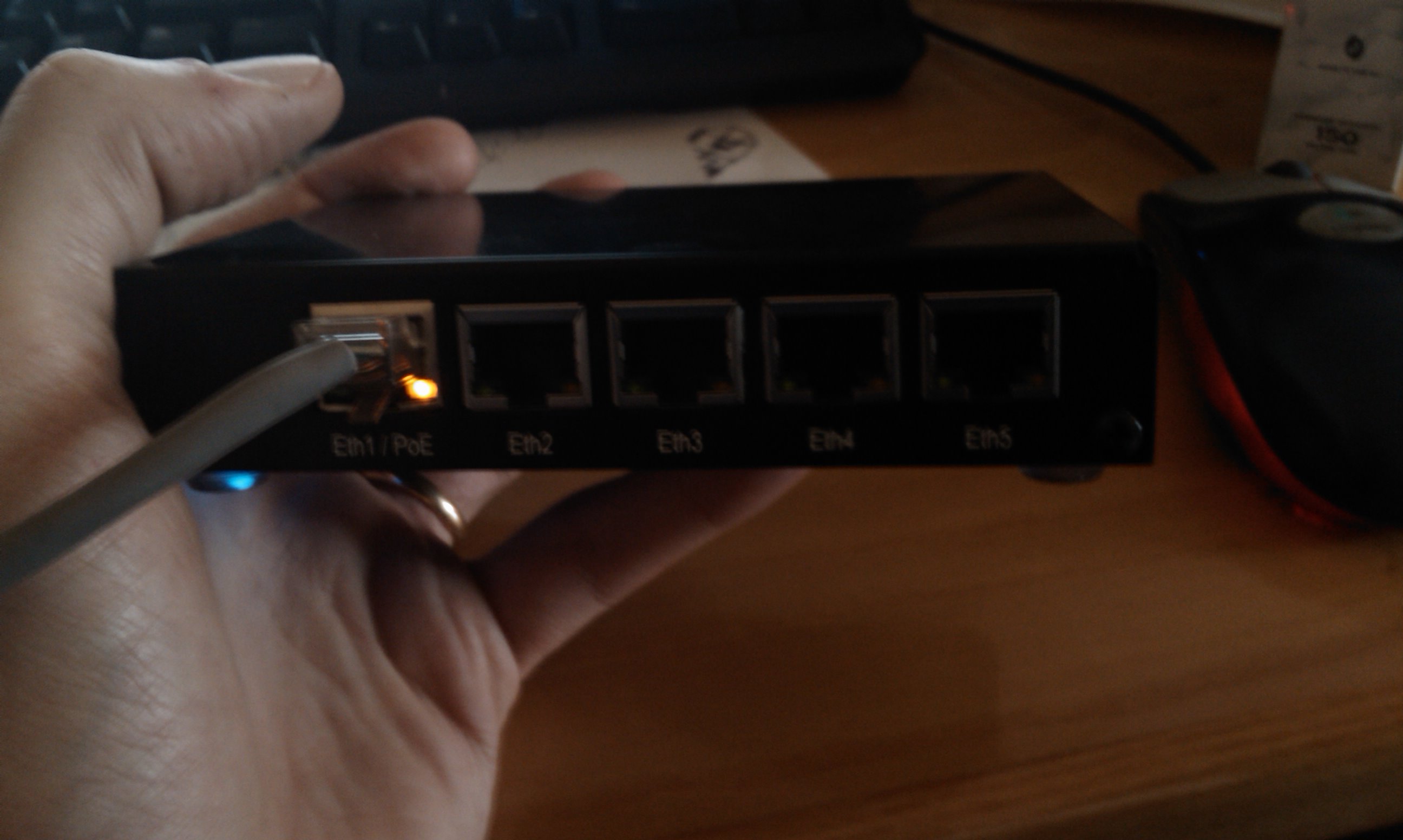
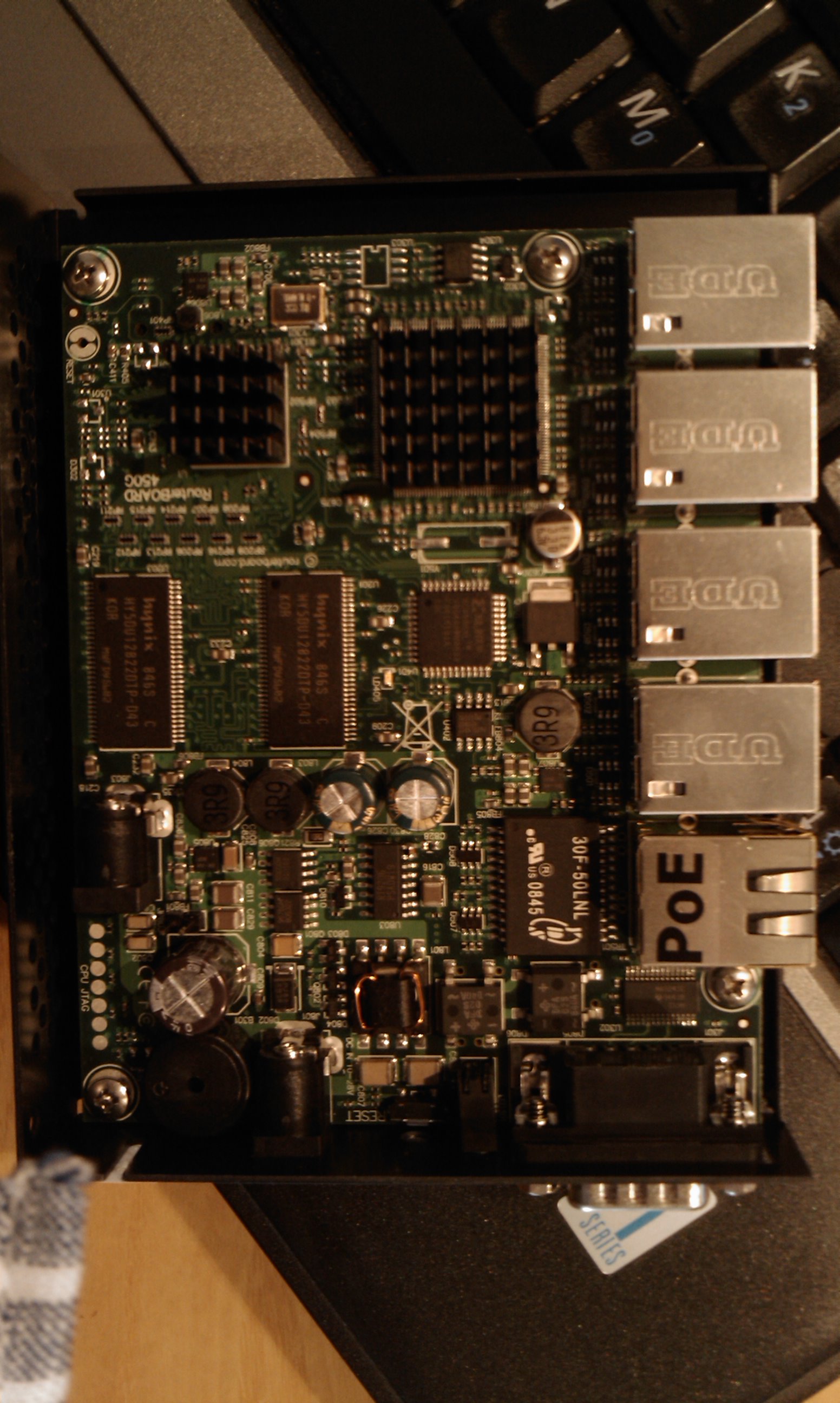
It is an atheros 7161 @680 Mhz based board, with 256 megs of RAM, 512 megs of NAND storage, 5 ethernet ports (3 10/100/1000 and 2 10/100) with POE and a microsd slot. It costs around 150€ complete with enclosure and power adapter, and it is shipped with RouterOS 3.21 preinstalled.
RouterOS is a good linux based OS with a proprietary userland, and it work great as i can see searching on the web. But for my personal needs, it isn’t the right choice cause i love linux and freedom, and cause i need to put some scripts and software developed by me for my use. So, i’m investigating on how to use a “real” linux on it. My final goal will be to run debian or emdebian, but for initial testing openwrt seem to be more adapt cause it support (or at least some work is done) for other routerboard systems.
First Try: boot OpenWRT kamikaze
To start working on it with linux, my choice is to boot openwrt kamikaze svn trunk from tftp. This is a step by step chronicle of the status of my tests.
Pass 1: get and compile kamikaze.
dedalo|/home/nextime$ svn co svn://svn.openwrt.org/openwrt/trunk kamikaze [...] Updated to revision 15208. dedalo|~$ cd kamikaze dedalo|~/kamikaze$ make menuconfig
This command will start the ncurses interface to generate a .config file.
Select “Atheros AR71xx [2.6]” as the target system:

Select Exit and save the config, and start to build openwrt:
*** End of OpenWrt configuration. *** Execute 'make' to build the OpenWrt or try 'make help'. dedalo|~/kamikaze$ make Checking 'working-make'... ok. Checking 'case-sensitive-fs'... ok. [...] make[2] target/install make[3] -C target/linux install make[2] package/index dedalo|~/kamikaze$
I assume you know how to install and you already have a dhcpd and a tftpd servers installed. This is a piece of my dhcpd.conf:
host routerboard1 {
hardware ethernet 00:0c:42:3e:58:98;
option domain-name-servers 192.168.5.8;
option domain-name "nexlab.thc";
option routers 192.168.2.254;
option broadcast-address 192.168.2.255;
next-server 192.168.2.2;
fixed-address 192.168.2.76;
filename "routerboardlinux";
}
Move the openwrt image created to the tftp server root and rename it:
dedalo|~/kamikaze$ mv bin/openwrt-ar71xx-vmlinux.elf /tftproot/routerboardlinux dedalo|~/kamikaze$
Now is time to boot our rb450g. Attach it on the serial port with a null modem cable, and start minicom with those settings:

Boot the routerboard, and when it say to do it, press any key to enter in the bootloader configuration menu

Press “o” and “e” to change the boot device to “network”, and press x to exit setup
t - do memory testing
x - exit setup
your choice: x - exit setup
RouterBOOT booter 2.20
RouterBoard 450G
CPU frequency: 680 MHz
Memory size: 256 MB
Press any key within 2 seconds to enter setup..
trying bootp protocol... OK
Got IP address: 192.168.2.76
resolved mac address 00:13:8F:98:13:2B
Gateway: 192.168.2.254
transfer started .......................... transfer ok, time=9.25s
setting up elf image... OK
jumping to kernel code
Linux version 2.6.28.9 (nextime@dedalo) (gcc version 4.1.2) #1 Sun Apr 12 01:209
console [early0] enabled
CPU revision is: 00019374 (MIPS 24Kc)
Atheros AR7161 rev 2 (id:0xaa), CPU:680.000 MHz, AHB:170.000 MHz, DDR:340.000 Mz
Determined physical RAM map:
memory: 08000000 @ 00000000 (usable)
[...]
BusyBox v1.11.3 (2009-04-12 00:57:05 CEST) built-in shell (ash)
Enter 'help' for a list of built-in commands.
_______ ________ __
| |.-----.-----.-----.| | | |.----.| |_
| - || _ | -__| || | | || _|| _|
|_______|| __|_____|__|__||________||__| |____|
|__| W I R E L E S S F R E E D O M
KAMIKAZE (bleeding edge, r15208) -------------------
* 10 oz Vodka Shake well with ice and strain
* 10 oz Triple sec mixture into 10 shot glasses.
* 10 oz lime juice Salute!
---------------------------------------------------
root@OpenWrt:/#
Now we have openwrt running. Next time i will analyze what work and what don’t work.
12
Rilasciata una nuova release di Astronomix
0 Comments | Posted by nextime in astronomia, informatica
In this new beta release:
- fissati moltissimi bug!
- upgradato tutto il sistema e i principali pacchetti software
- ora le schede grafiche nvidia e ati dovrebbero funzionare correttamente
- il supporto per le lingue e’ funzionante
- revisione completa del sistema modulare nella ISO per la preparazione alla prossima release con la versione minimale del sistema per macchine obsolete
- prima versione “grezza” di installer ( sudo astronomix-installer )
Scarica la ISO da qui
dettagli a http://www.astronomix.org
11
Astronomix e UAI (Unione Astrofili Italiani)
0 Comments | Posted by nextime in astronomia, informatica
Nei giorni scorsi si e’ verificata una simpatica coincidenza. L’UAI, Unione astrofili italiani (http://www.uai.it) sta organizzando per settembre dell’anno prossimo una fiera dell’astronomia in occasione del quarantennale dell’associazione, e, per pura coincidenza, ha deciso che il nome di tale fiera sara’ Astronomix.
Grazie a Malgar, un amico conosciuto tramite irc sul canale #astronomia di azzurra irc network che e’ anche socio UAI, sono entrato in contatto con l’associazione, tramite il suo presidente Emilio Sassone Corsi, che mi ha scritto una mail interessato al progetto Astronomix di cui e’ venuto a conoscenza appunto grazie alla segnalazione di malgar, chiedendomi qualche delucidazione sul progetto stesso e, a seguito della mia risposta, proponendomi delle collaborazioni con UAI.
Insomma, il progetto e’ piaciuto, quantomento in linea di massima per le poche comunicazioni intercorse tra me e Emilio, persona squisitamente gentile, e sembra che si stia delineando una bella collaborazione tra Astronomix e UAI, che sono sicuro potra’ avere ottime ripercussioni sulla distribuzione.
Ebbene si, il nome e’ stato scelto, ed e’ AstronoMix, ho aperto anche il relativo trac site, e qualche screenshot.
Ora manca da scrivere un sacco di documentazione, completare il filesystem con tutto il software necessario, e tanto tanto altro lavoro, ma finamente ci siamo!